How to Build a Production AI Agent with n8n and Lovable in 2026
By AI for Buildr Editors3mo ago 3 min read
A step-by-step guide to shipping a real, revenue-adjacent AI agent using n8n for orchestration and Lovable for the user-facing app — including auth, memory, guardrails, and cost control.
Most "AI agent" tutorials stop at a demo. This one takes you all the way to a production-grade agent that a paying customer can actually use — with a real UI, real auth, real memory, and real guardrails against runaway spend.
## The stack, in one sentence
Lovable builds the user-facing web app (auth, dashboard, chat UI, billing). n8n runs the agent brain (planner, tool calls, memory writes). Your database — Postgres via Lovable Cloud — is the source of truth for both. That is the whole architecture.
## Step 1: Define the job, then the tools
Pick one narrow job the agent must do end-to-end — for example, "given a customer email, draft a reply, log the ticket, and notify the on-call engineer if it is urgent." Then list the tools the agent needs: read_emails, send_reply, create_ticket, notify_slack. If you cannot list them in under a minute, the scope is too big — cut it in half.
## Step 2: Build the orchestrator in n8n
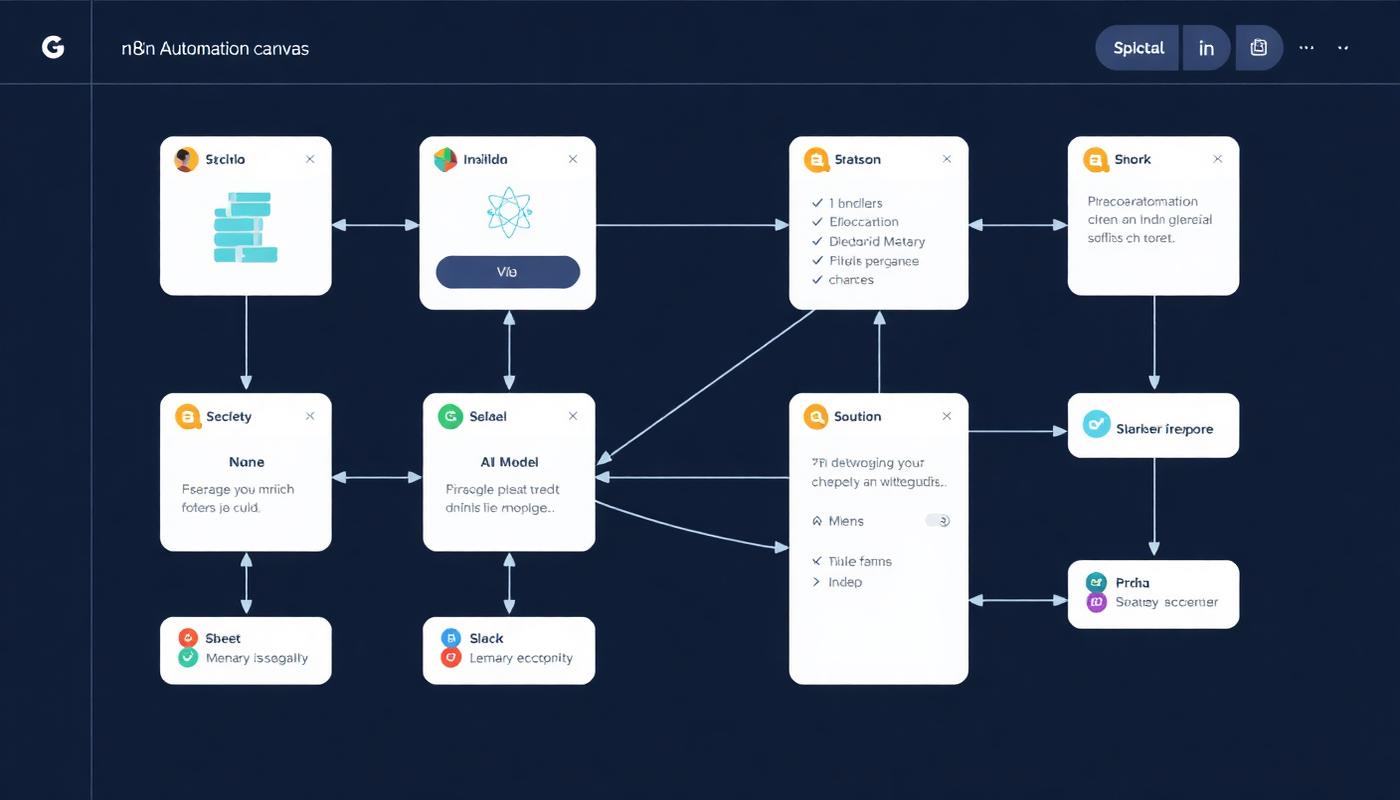
In n8n, create a webhook trigger, an AI Agent node (point it at GPT-5 or Claude 4.5 depending on the mix from our model guide), and one node per tool. Wire tools to the agent using the Tools input. This gives you a durable, restartable workflow — n8n handles retries, timeouts, and observability for free.
Two non-obvious tips: set a max_iterations limit on the agent node (5 is a sane default), and always log the full tool-call trace to a Postgres table. You will need that trace the first time a customer says "your bot did something weird".
## Step 3: Build the UI in Lovable
In Lovable, scaffold an app with auth, a chat panel, and a "runs" table view. The chat panel POSTs to your n8n webhook and streams the response back. The runs table reads from the same trace log the agent writes to — customers can see exactly what the agent did on their behalf, which turns "AI black box" complaints into a trust feature.
## Step 4: Memory that does not blow up context
Do not stuff conversation history into the prompt. Instead, write short summaries to a memory table after each run, and let the agent read the last 5–10 summaries at the start of a new one. This keeps context under 20K tokens even after months of use, and it is trivially portable between models.
## Step 5: Guardrails and cost control
Three guardrails carry most of the load. First, a per-user daily token budget checked before each run. Second, a "denylist" of tool combinations that should never happen in one run (for example: send_email + delete_records). Third, a human-approval step for any action above a dollar threshold — n8n has a native Wait node for this.
## Ship it
When the whole loop — trigger, plan, tool call, log, respond — works for one job, ship it to five friendly users and watch the traces for a week. Do not add a second job until the first one runs unattended for seven days without a rollback. That patience is what separates agents that survive production from demos that die on Tuesday.